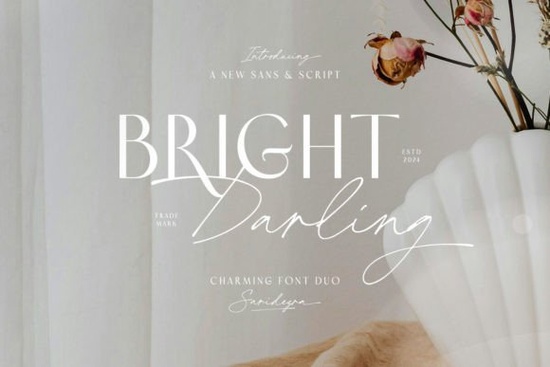
Finding the right combination of typefaces can completely change the look of a branding project. If you want a blend of clean lines and handcrafted flow, the Bright Darling Duo Font is an excellent starting point. This specific package gives you two distinct styles: a sophisticated sans-serif and a graceful script. Together, they offer a balanced solution for designers and small business owners who need both readability and a touch of personal style.
How do you mix a script font with a sans-serif?
Mixing two different font styles requires a bit of contrast to keep the design readable. The trick is to let one typeface handle the heavy lifting for body text while the other acts as an accent. In this duo, the sans-serif provides modern minimalism. You can use it for product descriptions, website navigation, or packaging details where legibility matters most.
On the other hand, the script element brings a handcrafted elegance. This makes it perfect for logos, greeting card headers, or short social media quotes. When you pair them, the clean structure of the sans-serif grounds the flowing loops of the script. If you enjoy this kind of balanced pairing, you might also like exploring a clean geometric typeface to see how structured letters interact with decorative ones.
Another helpful technique is playing with color contrast. Try using a dark charcoal for the sans-serif text to ensure it is easy to read, while applying a softer metallic or pastel shade to the script to make the accents stand out without overwhelming the viewer.
What projects work best for modern minimalist typography?
Print-on-demand sellers and crafters often look for versatile typography that works across multiple products. A chic and simple design approach fits perfectly on items that require a neat, organized appearance.
- Apparel: Use the script for a central chest graphic and the sans-serif for a small tagline underneath the main artwork.
- Stationery: Wedding invitations benefit heavily from the graceful script for the couple's names, while the sans-serif handles the venue details, dates, and RSVP information.
- Home Decor: Wood signs or canvas prints look great with large, readable sans-serif text paired with a swooping script accent for a welcoming vibe.
- Branding: Small businesses can use the duo for a cohesive look across business cards, product packaging, and digital storefronts.
- Digital Products: Printable planners and digital journals need highly legible text for daily logs, but a beautiful script for the monthly cover pages.
Having a pre-matched duo saves you hours of guessing which typefaces look good together. It ensures your brand maintains a consistent voice, whether you are printing a physical label or designing a digital advertisement.
Which other sans-serif options should you consider for your brand?
Sometimes a project requires a slightly different mood or aesthetic. While a sophisticated duo covers a lot of ground, building a larger font library gives you more flexibility for diverse client requests. If you need something with a warmer, more organic feel, checking out a friendly rounded sans option can add a playful touch to children's products or casual summer apparel.
For those working on streetwear or bold poster designs, you might want to test a thicker display typeface that commands attention from a distance. The heavy weights are ideal for short, punchy statements. Conversely, if your goal is an outdoorsy or rugged aesthetic, pairing your scripts with an explorer-inspired font gives your merchandise a completely different, nature-focused vibe.
You can always view the complete details, character maps, and licensing for the primary duo mentioned here to ensure it fits your commercial needs before downloading the files.
What should you check before finalizing your typography?
Before you send your design to the printer or publish it online, take a moment to review your text layout with this simple checklist:
- Check the hierarchy: Make sure your script font is used only for headings or short phrases, never for long paragraphs of text.
- Test the spacing: Adjust the kerning on your sans-serif text if the letters feel too cramped or too loose at smaller sizes.
- Verify the license: Always confirm that your font license covers your specific use case, especially for commercial print-on-demand items or logos.
- Preview in context: Look at your design on a mobile screen and a desktop monitor to ensure the elegant details of the script remain visible and sharp.
- Export carefully: When saving your final files, outline your text if you are sending the design to a third-party printer who might not have the font installed on their system.
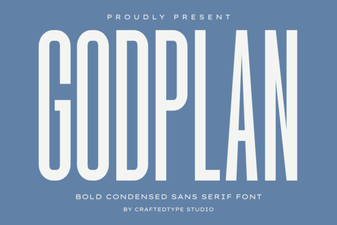 Godplan Font: Creative Ideas for Design Projects
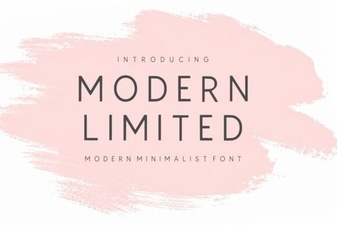 Modern Fonts for Clean Design & Usability
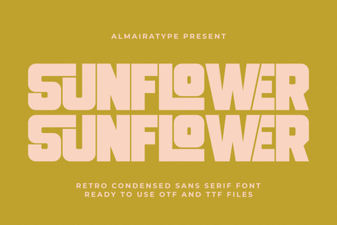 A Guide to Using the Sunflower Font in Your Designs
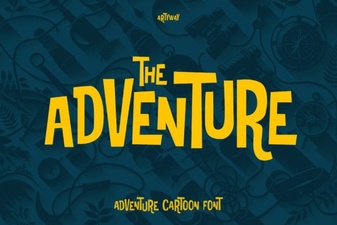 Fonts for Action, Adventure & Exploration Projects
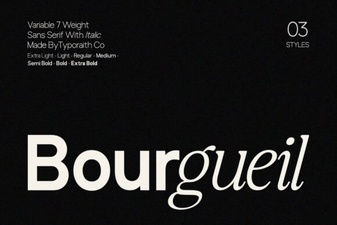 Bourgueil Font: a Designer's Creative Toolkit
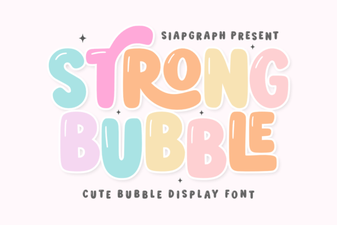 Bubble Fonts for Bold, Creative Designs