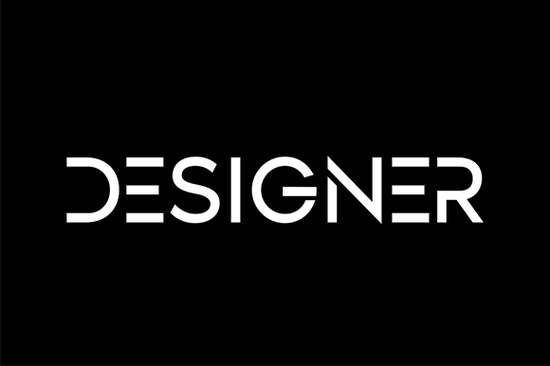
Finding the right typography for a brand identity or crafting project often comes down to balancing readability with personality. When you need a typeface that bridges the gap between professional polish and approachable charm, the Designer Font is a highly practical choice. It offers a simple and casual display style with an undeniably clean feel. Whether you are a print-on-demand seller creating custom t-shirts or a small business owner building a new logo, this typeface provides a neat and beautiful arrangement of letters that works seamlessly across both formal and non-formal designs.
What makes a casual display typeface work for formal projects?
Many crafters assume that casual lettering is strictly for informal projects like birthday invitations or scrapbook pages. However, a well-structured display font relies heavily on proportion and spacing rather than decorative swirls. The clean lines in this specific typeface mean it does not distract from your core message. If you are looking for a versatile typeface that can handle everything from a wedding welcome sign to a corporate brochure, the lack of unnecessary embellishments is exactly what you need.
For contrast, you might pair it with other distinct styles depending on your specific project goals. For instance, combining it with classic serif styles like Cormorant Garamond creates an elegant, editorial look that works well for boutique branding. On the other hand, if you are designing a bold promotional poster, you might want to avoid heavier textured lettering and stick to this cleaner option to ensure your text remains entirely legible from a distance.
How can print-on-demand sellers apply this style to merchandise?
Merchandise design requires typography that reads well on various physical materials, from ceramic mugs to cotton apparel. Because this font features a straightforward structure, it cuts cleanly with vinyl plotters and prints sharply through direct-to-garment or sublimation methods. Small businesses often use it for minimalist aesthetic apparel, where the focus is entirely on the message rather than complex graphics.
If you run a shop that caters to different demographics, you already know that one visual style does not fit every customer. You might use this clean font for your adult minimalist clothing line, while reserving playful vintage styles for children's products in a separate collection. Similarly, if you are launching a summer sticker collection for water bottles, you could alternate between this neat arrangement and bouncy, rounded shapes to offer plenty of visual variety in your online store.
Which software programs support these display files?
Before you start designing, it helps to know where your files will work best. Standard formats like OTF and TTF are universally accepted across almost all modern design platforms. Here is a breakdown of where this typography performs best:
- Adobe Illustrator: Ideal for vector-based logo creation, packaging design, and large format printing.
- Cricut Design Space: Perfect for crafters cutting adhesive vinyl decals for tumblers, wooden signs, and custom stickers.
- Canva: Great for small business owners making quick social media graphics, promotional flyers, or digital planners.
- Procreate: Useful for digital artists who want to add hand-drawn illustrations around the typed text.
Always ensure you install the font on your computer operating system before opening your design software so it registers correctly in your text menu.
How do you pair this typography with other styles?
Creating a balanced layout usually involves mixing typefaces thoughtfully. Since this option is a casual display font, it works best when paired with a highly legible body copy that grounds the design.
- Use the display font for your main headline or the central focal point of your artwork.
- Select a simple, unadorned sans-serif for your subheadings to maintain a modern and approachable feel.
- Choose a standard serif or clean sans-serif for longer paragraphs to guarantee readability on screens and paper.
- Limit your entire design to two or three typefaces maximum to avoid visual clutter and maintain a professional appearance.
Quick checklist before exporting your final design
- Check that the text is converted to vector outlines if sending the file to a commercial print shop.
- Verify the color contrast between the font and the background material to ensure accessibility.
- Proofread the spacing between letters, especially if you have manually adjusted the kerning for a custom logo.
- Confirm that your commercial license covers the specific physical products or digital templates you intend to sell.
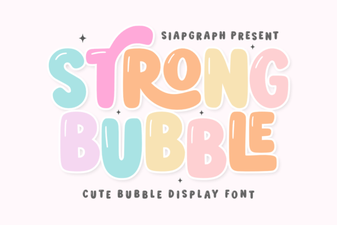 Bubble Fonts for Bold, Creative Designs
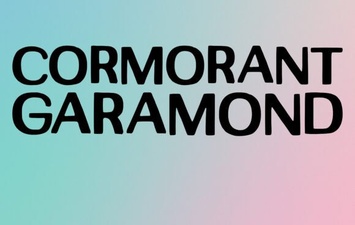 Cormorant Garamond: Typography for Elegant Designs
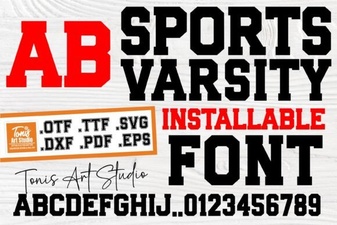 Sports Varsity Lettering Guide & Font Uses
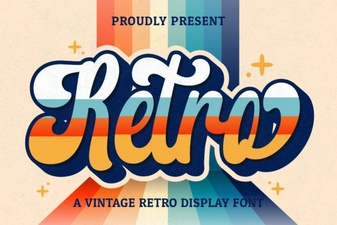 Retro Script Fonts: Creative Design Projects & Free Downloads
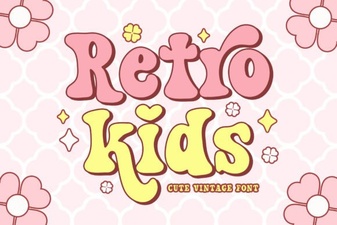 Classic Kids Fonts for Creative Projects
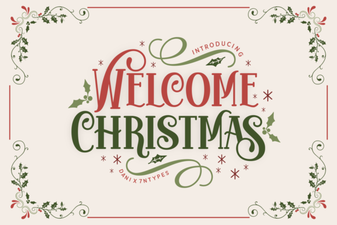 Festive Holiday Fonts for Creative Projects