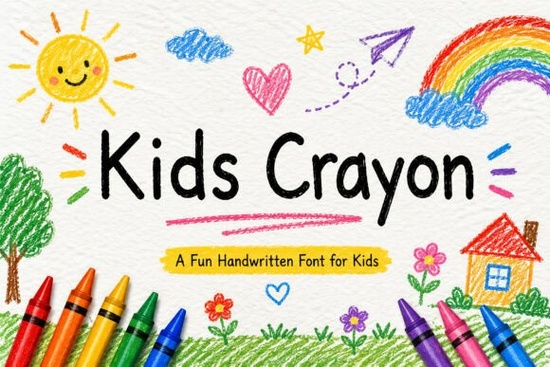
Finding the right typography for children's materials can be tricky. You want something that feels authentic and fun without being hard to read. The Kids Crayon Font solves this problem by mimicking real crayon drawings. It gives your educational worksheets, toy branding, and craft projects a genuine, hand-drawn personality that appeals directly to kids and parents alike. Whether you are a teacher putting together a lesson plan or a small business owner designing new apparel, having a reliable, playful typeface is essential for your brand identity.
What makes a handwritten font work for children's projects?
When designing for preschools or kindergartens, the typography needs to be approachable. This typeface features smooth hand-drawn strokes that look like a child's artwork, yet it maintains clear letterforms. The slight imperfections in the lines add warmth, making the design feel human and inviting rather than strictly corporate. If you are building a brand for baby products, you might also look at something like this soft script option to pair with heavier display letters. However, for projects that need a bolder, more energetic feel, the crayon-inspired style stands out. It works exceptionally well on colorful backgrounds and helps your nursery decor or birthday invitations catch the eye immediately.
How can crafters and print-on-demand sellers use this typeface?
Because it is PUA encoded, you can easily access all the characters in standard software without needing advanced design tools like Adobe Illustrator. This makes it highly practical for hobbyists and small business owners who primarily use Canva or Silhouette Studio. Here are a few specific ways to apply it:
- Educational Materials: Create engaging alphabet tracing worksheets, flashcards, or classroom posters that keep students interested and make learning feel like play.
- Cricut and Vinyl Crafts: The smooth edges of the letters make it an excellent choice for cutting machines. Unlike highly distressed fonts that tear during weeding, this style cuts cleanly. You can produce custom stickers, water bottle decals, or t-shirts for school events.
- Party Stationery: Design colorful birthday invitations, banners, and greeting cards that set a cheerful tone for any celebration.
- Merchandise Design: Use it for toy packaging or children's clothing labels to give your products a handmade, boutique feel.
If you ever need a slightly different vibe for a seasonal project, you could explore a thicker lettering style for winter holiday themes, or try a more rounded alternative for summer camp flyers. For a complete collection of similar handwriting styles, you might also browse through these playful script fonts to find the perfect match for your layout.
Does it support special characters and different languages?
Yes, the download package includes uppercase and lowercase letters, numbers, and standard punctuation. It also features multilingual support, which is essential if you are selling digital downloads or physical products to an international audience. Being able to type accents and special characters directly from your keyboard saves time and prevents formatting errors on merchandise packaging. You won't have to hunt down individual glyphs to write a simple greeting in Spanish or French.
How do you pair it with other typography?
Since this is a highly decorative display font, it works best when paired with a clean, simple sans-serif for body text. Use the crayon style for your main titles, headers, or short quotes. If you are designing a children's book, use the handwritten font for the cover title and character dialogue, but switch to a highly legible standard font for the story paragraphs. For a different approach to handwritten titles, this alternative script offers a slightly more structured look that can balance out the heavy crayon textures.
Next steps for your design project
Before you start cutting vinyl or printing worksheets, run through this quick checklist to ensure your file is ready:
- Install the font file on your computer and restart your design software so it registers properly.
- Test the PUA encoded characters in a basic text editor to locate any special swashes or alternate glyphs.
- Set your body text in a basic sans-serif font to maintain readability alongside the decorative headers.
- Check your spelling and punctuation, as the font includes full standard character sets that might look different than you expect.
- Do a test cut or test print to verify the crayon edges look crisp at your chosen size.
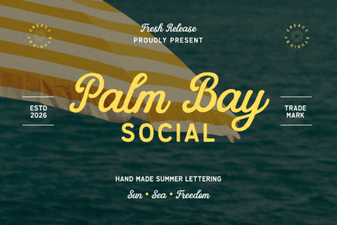 Palm Bay Social Font: Stylish Logo Design Ideas
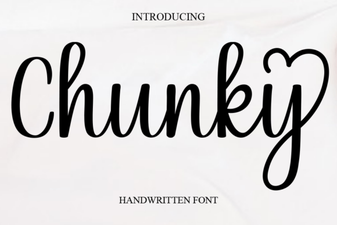 Bold Chunky Fonts for Modern Design Projects
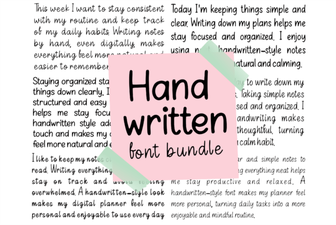 Beautiful Handwriting Fonts for Your Creative Projects
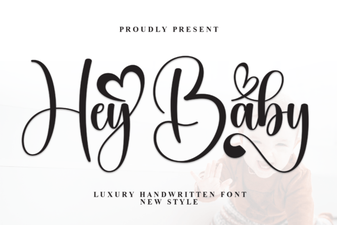 Hey Baby Font: Creative Uses & Design Ideas
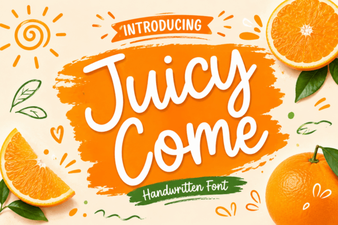 Juicy Come Font: Creative Typography Ideas
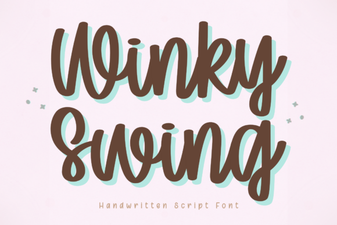 Winky Swing Font: Design Ideas & Creative Uses